Make what's trending with AI
Start from a photo or a line of text. Make trending AI videos, plus images, voiceovers and music to go with them. Sign up and get 30 free credits.
- 30 free credits to start
- No watermark
- Failed generations refunded
Or start withAI Image GeneratorPhoto to ArtText to SpeechAI Music Generator
Trending videos Video formats to try with your next photo
Everything for one short clip
Make the picture, bring it to life, then add the voice and the soundtrack. Each tool works on its own too.
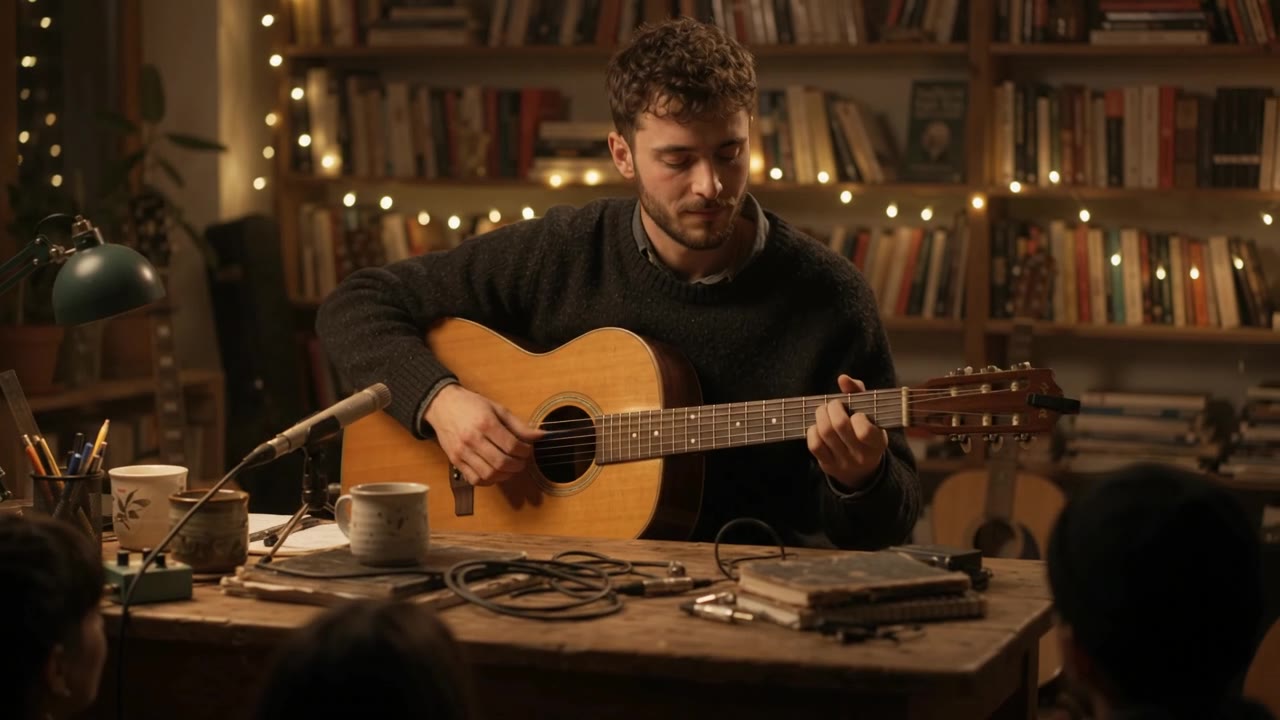
Video
Turn one photo into a short clip with a trending video.
6 videos
Browse videos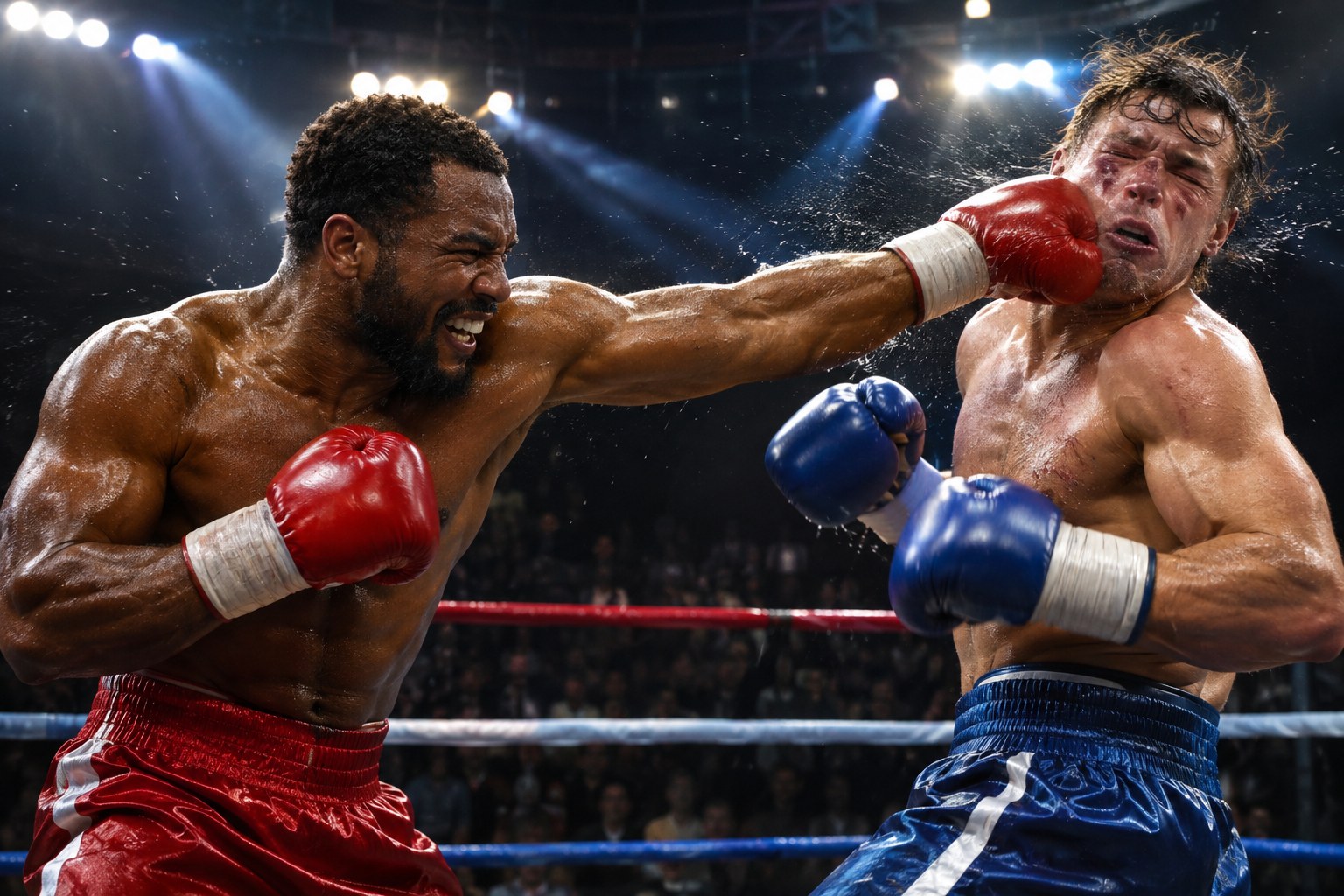
Image
Describe a picture and get an image, or restyle a photo as anime, sketch, oil or watercolor.
8 tools
Browse image tools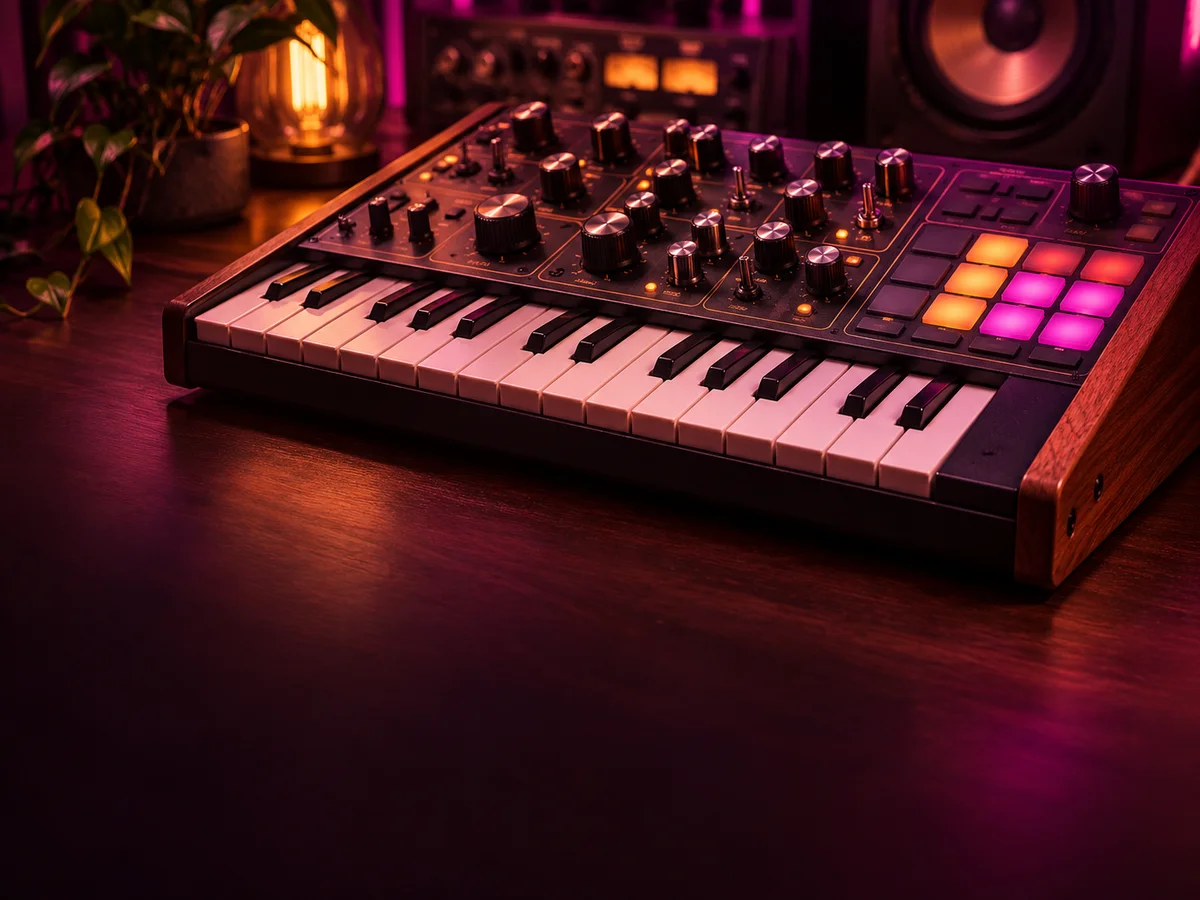
Audio
Type a script and get spoken audio, or describe a mood and get a short soundtrack.
2 tools
Browse audio toolsPopular starting points: AI Image Generator · Photo to Art · Text to Speech · AI Music Generator
How it works
From idea to finished clip
No timeline, no editing skills. Pick a format, add a photo or a few words and download the result.
- 1
Pick a video or a tool
Each one comes with prompts you can edit.
- 2
Add a photo or write a prompt
A person, a pet or a character. JPG, PNG or WebP.
- 3
Download and share
Videos and images in vertical, wide or square. No watermark.
Trending formats
Start with a trending format
Short formats people are posting on social platforms, each built to work from a single photo. Pick one and add yours.
- Tiny Desk ConcertHOTTurn a photo into a cozy office-concert performance clip.
- Floating ChairNEWMake a chair, and the person sitting on it, float off the ground.
- Finger Frame RevealNEWFrame the world with your fingers and reveal a new scene inside.
- Pet DanceMake your dog, cat or any pet dance from a single photo.
Video styles
Dance, portraits, pets and more
3
Ways to create: video, image and audio
0
Watermarks on your downloads
100%
Credits back if a generation fails
$0
Monthly fees. Pay only for what you make
Create for every kind of post
Short-form video
Make Reels, Shorts and TikToks from a single photo, in vertical, wide or square formats.
Pet videos
Make your dog or cat dance, perform or star in a seasonal clip.
Greetings & gifts
Turn a family photo into a birthday, holiday or tribute video you can send to someone.
Covers, voiceovers & music
Create a cover image, record a voiceover and add a soundtrack to go with your video.
Questions before you start
What you can make, what it costs, which photos work and what happens if a generation fails.
Start for freeWhat is Ezlum?
Ezlum is a site for making what is trending with AI. Turn a photo into a short trending video, create an image from a description, restyle a photo, or generate a voiceover or a short soundtrack. There is nothing to install and no editing skills are needed.
Do I need to pay to try it?
No. New accounts get 30 free credits, enough to try a video, an image or a voiceover. After that you can buy a credit pack. There is no subscription.
What can I make?
trending AI videos from a photo, images from text or from a photo, voiceovers from a script, and short background music. Use them on their own, or combine them into one clip in your editor.
What kind of photo should I upload?
A clear, well-lit photo where the subject is fully visible. Avoid heavy filters, extreme crops and photos where the subject is blocked. JPG, PNG and WebP up to 10 MB are supported.
Where do my creations go?
Everything you generate is saved to Assets, so you can come back and download it later. Videos and images can also be downloaded straight from the result.
What happens if a generation fails?
The credits for it are returned to your account automatically.
Can I use what I make commercially?
What you make is yours to use, as long as you had the right to use any photo you uploaded and your use follows our terms. Some platforms ask you to label AI-generated content.
How much does it cost?
Videos cost 25 credits for 5 seconds at 720p. Longer clips and higher resolutions cost more, lower resolutions cost less. Images cost 3 credits and audio 1 to 4. You buy credits in packs with no subscription, and your first order is 30% off. See the Pricing page for the packs.
Do credits expire?
No. Credits stay in your account until you use them.
Which photos am I allowed to use?
Only photos you own or have permission to use, showing people who have agreed to appear. Do not upload images of minors or anything you wouldn't want shared.